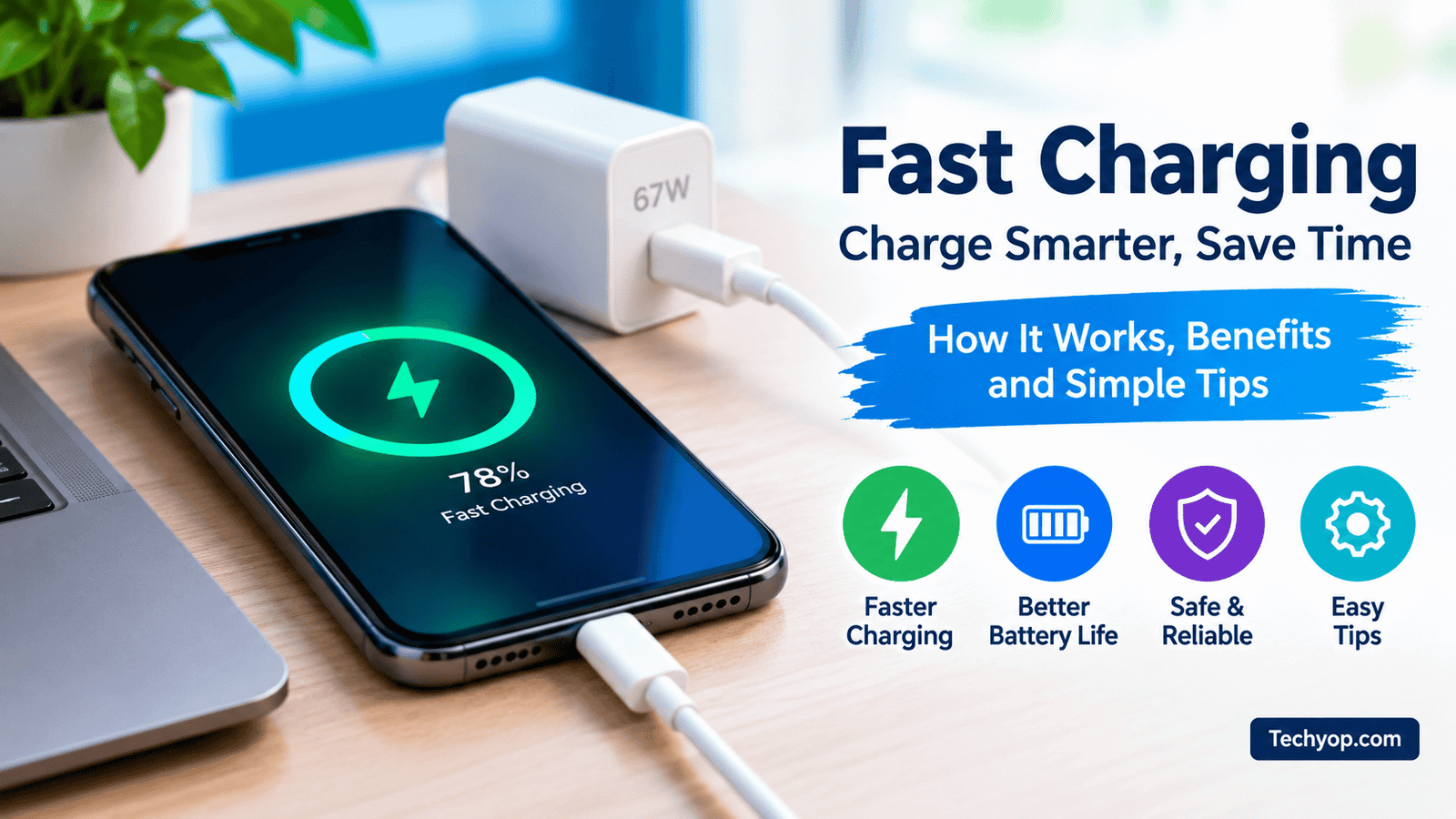
Fast Charging: How It Works, Benefits, and Tips to Charge Your Phone Faster
Fast charging has become an important feature in modern smartphones. Whether you use an Android phone or an iPhone, charging your device quickly can save time and make daily phone use more convenient. Instead of waiting several hours for a battery to charge, fast charging technology can provide enough power for many hours of use in a much shorter period.
However, not every phone supports the same charging speed. Some devices support 18W charging, while others offer 33W, 67W, 100W, or even higher charging power. Understanding how fast charging works can help you choose the right charger, protect your battery, and get better performance from your smartphone.
In this guide, you will learn what fast charging is, how it works, its benefits, common problems, and practical ways to charge your phone faster.
What Is Fast Charging?
Fast charging is a technology that allows a smartphone battery to receive electrical power more quickly than standard charging methods. It uses compatible chargers, cables, and charging systems to deliver power at higher rates when the device can safely accept it.
Charging speed is commonly measured in watts (W). A higher wattage can allow a phone to charge faster, but the actual speed also depends on the phone’s battery, temperature, charging protocol, and current battery level.
For example, a smartphone that supports 33W fast charging may charge considerably faster with a compatible 33W charger than with a basic 5W charger. However, the phone will not necessarily charge at its maximum speed throughout the entire process.
How Does Fast Charging Work?
Fast charging works by allowing a compatible charger and smartphone to manage the amount of electrical power delivered to the battery.
When you connect your phone to a charger, the charging system checks the supported power levels and adjusts the supply accordingly. If the phone supports a fast-charging standard, the charger and phone can work together to deliver more power when conditions allow.
The process generally involves three stages:
1. Initial Fast Charging
When the battery level is low, the phone can often accept power at a relatively high rate. This is why a short charging session may provide a noticeable increase in battery percentage.
2. Controlled Charging
As the battery fills, the phone gradually adjusts the charging speed. Temperature, battery condition, and the phone’s power requirements can also affect how much power is accepted.
3. Final Charging Stage
When the battery approaches full capacity, charging usually slows down. This helps control heat and protect the battery. The final percentage may therefore take longer than you expect.
This explains why a phone might charge quickly from 10% to 50% but take considerably longer to reach 100%.
Different Types of Fast Charging Technology
Several charging standards are available in modern smartphones. The technology supported by your device determines which chargers can deliver the best results.
USB Power Delivery (USB PD)
USB Power Delivery is a widely used charging standard that supports different power levels through compatible USB connections. It is used by many smartphones, tablets, laptops, and other electronic devices.
Some Android phones and iPhones support USB PD. A compatible charger can also be useful if you own several devices because one charger may work with multiple products.
Qualcomm Quick Charge
Qualcomm Quick Charge is a fast-charging technology found in some smartphones using compatible hardware. Different versions support different charging capabilities.
Before buying a Quick Charge charger, check whether your particular phone supports the relevant version.
Proprietary Fast Charging
Some manufacturers use their own charging technologies to achieve higher charging speeds. These systems may require a compatible charger and cable supplied by the manufacturer or approved for the device.
A generic charger with a high wattage rating may not provide the same maximum speed as the phone’s supported charging system.
Wireless Fast Charging
Wireless charging transfers power without a physical charging cable. Some phones support faster wireless charging, but actual speeds depend on the phone, charging pad, power adapter, alignment, and temperature.
Wireless charging can be convenient, although wired charging is often faster and more energy-efficient.
Benefits of Fast Charging
Fast charging offers several advantages for everyday smartphone users.
1. Saves Time: You can add useful battery power during a short break instead of leaving your phone connected to a charger for hours.
2. Convenient for Busy Users: Fast charging is helpful when you need to leave home, attend school, travel, or go to work with limited charging time.
3. Reduces Long Waiting Periods: A compatible fast charger can make it easier to maintain your phone’s battery throughout the day.
4. Useful for Heavy Smartphone Users: People who regularly use navigation, video streaming, mobile gaming, or video calls may appreciate being able to recharge quickly.
5. Supports Modern Devices: Many newer smartphones are designed to work with fast-charging standards, making compatible charging accessories useful for everyday use.
How to Enable Fast Charging on Android
Some Android phones enable fast charging automatically when you connect a compatible charger. Other devices provide charging options in their settings.
Follow these steps to check your phone:
- Open the Settings app.
- Go to Battery or Battery and device care.
- Look for Charging settings or a similar option.
- If available, enable Fast charging or the relevant charging option.
- Connect your phone to a compatible charger and cable.
The exact menu names vary by manufacturer and Android version. Some phones do not display a fast-charging switch because charging is managed automatically.
If you cannot find this option, check your phone manufacturer’s instructions instead of installing an unknown application that claims to increase charging speed.
How to Make Your Phone Charge Faster
If your smartphone is charging slowly, these practical steps may help.
1. Use a Compatible Fast Charger
Check your phone’s specifications to find its supported charging speed and standards. Choose a charger that supports them and comes from a reliable manufacturer.
A charger rated at 100W will not force every phone to charge at 100W. The phone determines how much power it can safely accept.
2. Use a Suitable Charging Cable
A damaged or low-quality cable may reduce charging performance. Some fast-charging systems also require cables with specific power ratings.
If charging is unusually slow, try a compatible replacement cable.
3. Avoid Heavy Phone Use While Charging
Playing demanding games, recording video, or running several intensive applications can increase power consumption and heat. This may slow down charging.
For a quicker charge, leave the phone idle or enable airplane mode if you do not need network connectivity.
4. Keep Your Phone Cool
Heat can cause a smartphone to reduce charging speed. Avoid charging your device in direct sunlight, inside a hot car, or under heavy bedding.
If your phone becomes unusually hot, disconnect the charger and allow it to cool naturally.
5. Check the Charging Port
Dust or debris inside the charging port can interfere with the connection. Inspect the port carefully and follow the manufacturer’s cleaning instructions.
Do not insert metal objects or force anything into the port. If the connector is damaged or loose, seek professional repair.
6. Try a Different Power Outlet
A faulty outlet, loose connection, or unreliable power adapter can affect charging. Test a different safe outlet and a compatible charger to identify the problem.
7. Update Your Phone Software
Software updates sometimes improve battery management or address charging-related problems. Install official updates when available, but remember that an update cannot increase the phone’s hardware charging limit.
Does Fast Charging Damage Your Battery?
Fast charging does not automatically damage a smartphone battery. Modern phones include charging controls designed to manage power and temperature.
However, battery aging is affected by several factors, including heat, charging patterns, and time. High temperatures can accelerate battery degradation, so keeping your phone cool is important.
You do not need to avoid fast charging completely if your device supports it. Instead, use reliable accessories and avoid exposing the phone to excessive heat.
For long-term battery care, consider these tips:
- Use a compatible charger from a trustworthy brand.
- Avoid charging your phone in very hot environments.
- Enable optimized or adaptive charging if your phone offers it.
- Replace damaged charging cables and adapters.
- Follow the manufacturer’s battery-care recommendations.
You also do not need to drain a modern lithium-ion battery completely before charging it again.
Common Fast Charging Problems and Their Solutions
Fast charging is not working: Check whether your phone, charger, and cable support the same charging standard. Also check the charging settings if your phone provides them.
The phone charges slowly: Close demanding applications, check the cable, and make sure the device is not overheating.
The phone becomes hot: Stop demanding activities, move the device to a cooler location, and let it cool. If it becomes extremely hot, swells, smells unusual, or shows signs of battery damage, stop using it and seek professional assistance.
The charger is not recognized: Inspect the cable and connector for damage. Try a compatible charger and cable if available.
Charging stops before 100%: Some phones pause or slow charging because of temperature protection, optimized charging features, or battery-management settings. Check the battery settings and manufacturer’s guidance.
How to Choose the Right Fast Charger
Before buying a fast charger, check these important points:
- Supported wattage: Find the maximum charging power supported by your phone.
- Charging standard: Confirm compatibility with USB PD, Quick Charge, or the manufacturer’s proprietary system.
- Cable compatibility: Make sure the cable supports the required power level.
- Safety features: Choose a reputable charger with appropriate protection against electrical faults and overheating.
- Product quality: Avoid suspiciously cheap chargers with unclear specifications or counterfeit branding.
A higher wattage rating alone does not guarantee faster charging. Compatibility and overall charger quality matter just as much.
Frequently Asked Questions (FAQs)
1. Can I use a 65W charger with a phone that supports 25W charging?
Generally, yes, if the charger is compatible with your phone’s supported charging standard. The phone will normally draw only the power it can accept. However, maximum charging speed is not guaranteed with every charger.
2. Does fast charging work when the screen is off?
Yes. In many cases, the phone can charge more efficiently when the screen is off because it uses less power. However, charging speed still depends on temperature, battery level, and other conditions.
3. Is fast charging better than normal charging?
Fast charging is better when you need to save time. Standard charging may be sufficient when you are charging overnight or have plenty of time. Both methods can be suitable when used with compatible equipment.
4. Can an application make my phone charge faster?
An application cannot bypass your phone’s hardware charging limits. Some apps can reduce background activity or display battery information, but they cannot turn an unsupported phone into a genuine fast-charging device.
5. Why does fast charging slow down near 100%?
The charging system gradually reduces power as the battery fills. This helps manage temperature, protect the battery, and complete the charging process safely.
Final Thoughts
Fast charging makes smartphones more convenient by reducing the time required to replenish their batteries. With the right charger, a suitable cable, and good charging habits, you can get reliable performance from your device while helping maintain battery health.
Always check your phone’s supported charging technology before buying accessories. Keep your device cool, avoid damaged equipment, and do not rely on applications that promise unrealistic charging speeds.
By following these simple recommendations, you can make better use of your phone’s fast-charging feature and enjoy a more convenient smartphone experience.

Fast charging