 by
by How to Convert a 4G Phone into 5G: Complete Truth Explained
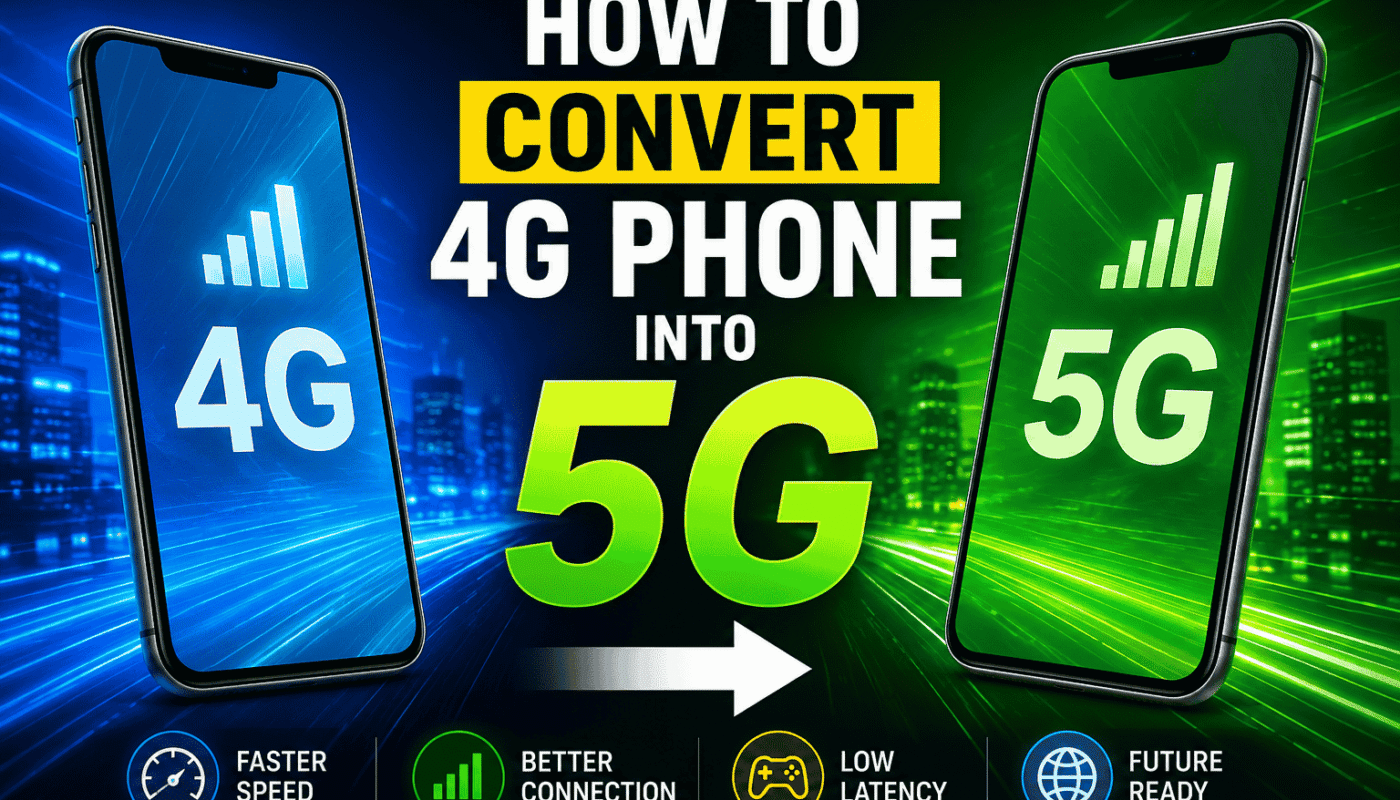
If you have a 4G smartphone, you may have searched online for ways to convert it into a 5G phone. Many apps, settings, and videos claim that they can unlock 5G on any 4G device. This sounds exciting, but is it really possible? In this article, we will explain the complete truth in simple words. You will learn how 4G and 5G work, whether a 4G phone can become a 5G phone, and what you can do to enjoy the best mobile internet experience.
What is 5G?
5G is the fifth generation of mobile network technology. It is faster, more reliable, and offers lower latency than 4G. This means users can download files more quickly, enjoy smoother video streaming, and experience better online gaming and video calling.
Many countries are expanding their 5G networks, and more smartphones now support this technology. However, using 5G requires more than just having a 5G SIM card.
Can a 4G Phone Be Converted into a 5G Phone?
The simple answer is No.
A true 4G smartphone cannot be converted into a real 5G phone through an app, software update, or secret setting. The reason is simple. A 5G phone contains special hardware that is built inside the device during manufacturing. This hardware includes a 5G modem and antennas designed to connect with 5G networks.
If your phone only has 4G hardware, no application can add the missing components.
Why Do Some Apps Claim to Enable 5G?
You may find many apps on the internet with names like “5G Network Switch,” “Force 5G,” or “Enable 5G.” These apps often create confusion.
Most of these apps only change network preferences on phones that already support 5G. They cannot add 5G hardware to a 4G smartphone.
If your phone is a 4G-only model, these apps will not magically unlock 5G connectivity.
How Can You Check if Your Phone Supports 5G?
Checking your phone is very easy.
Here are a few methods:
- Open your phone settings.
- Go to Mobile Network or SIM Settings.
- Check if 5G appears in the preferred network options.
- Search your phone model online and read its official specifications.
- Visit the manufacturer’s official website.
If the specifications only mention 4G LTE, your phone does not support 5G.
What Is Required to Use 5G?
To enjoy a real 5G connection, you need the following:
- A smartphone with built-in 5G hardware.
- A SIM card that supports 5G if required by your mobile operator.
- A mobile carrier that provides 5G service.
- A location where 5G coverage is available.
All four requirements are important. Missing any one of them may prevent your phone from connecting to a 5G network.

Can a Software Update Add 5G?
Many people believe that installing the latest Android update will enable 5G.
This is only true if the phone already has 5G hardware but the feature was disabled by software.
If the phone was originally designed as a 4G-only device, no software update can install the required modem or antennas.
How to Improve 4G Internet Speed
Even if you cannot convert your phone to 5G, you can still improve your 4G experience.
Here are some useful tips:
Keep Your Software Updated
Install the latest software updates. These updates often improve network performance and fix bugs.
Restart Your Phone Regularly
Restarting your phone refreshes the network connection and may improve internet stability.
Move to an Area with a better signal
Walls, buildings, and long distances from mobile towers can reduce signal strength. Moving to a better location can improve your speed.
Remove Unused Apps
Too many background apps can slow down your phone and use up internet data.
Reset Network Settings
If your mobile network has problems, resetting network settings can solve many connection issues.
Use a Good Mobile Carrier
Some mobile operators provide better coverage than others. Choosing a reliable network can improve your internet experience.
Common Myths About Converting 4G into 5G
There are many myths on social media.
Myth 1: Secret Codes Enable 5G
Secret dial codes cannot install missing hardware.
Myth 2: Installing a 5G APK Works
Applications cannot transform a 4G modem into a 5G modem.
Myth 3: Rooting the Phone Enables 5G
Root access only changes software permissions. It cannot add physical network components.
Myth 4: Changing APN Settings Creates 5G
APN settings help connect to mobile data, but they cannot upgrade hardware.
Should You Buy a 5G Phone?
If your current phone works well and your area does not yet have strong 5G coverage, keeping your 4G phone may be a good decision.
However, if you want faster internet, lower latency, and better long-term support, buying a genuine 5G smartphone is the best option.
Today, many affordable 5G smartphones are available, making it easier than ever to upgrade when needed.
Benefits of a Real 5G Phone
A genuine 5G smartphone offers several advantages.
- Faster downloads.
- Better video streaming.
- Smoother online gaming.
- Improved video calls.
- Better support for future mobile networks.
- More stable internet in supported areas.
These benefits are only available on phones with real 5G hardware.
Final Thoughts
Many websites and videos promise that you can convert a 4G phone into a 5G phone with just one app or setting. Unfortunately, this is not true. A real 5G connection requires special hardware that cannot be added through software alone.
If your phone supports only 4G, the best approach is to optimize its performance by keeping it updated, maintaining good signal strength, and choosing a reliable mobile network. When you are ready for faster internet and future technology, upgrading to a genuine 5G smartphone is the safest and most effective solution.
Understanding the difference between software tricks and actual hardware will help you avoid false claims and make better decisions about your smartphone. Always rely on official device specifications instead of apps or videos that promise impossible upgrades.