 by
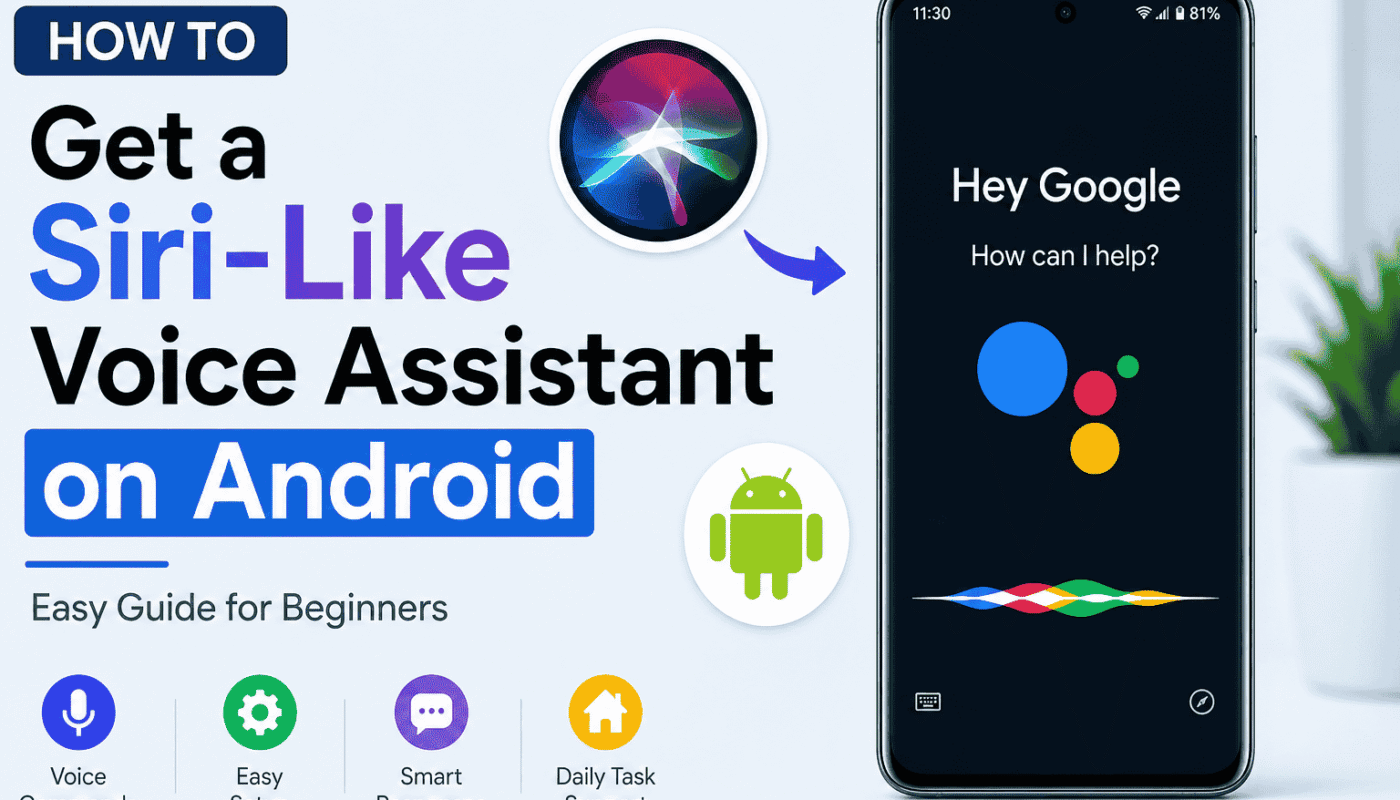
by How to Get a Siri-Like Voice Assistant on Android (Complete Guide)
Voice assistants have become an important part of modern smartphones. They help users perform everyday tasks with simple voice commands, making life easier and faster. Apple users enjoy the convenience of Siri, while Android users have their own smart assistants. However, many Android users still search online to find out whether Siri can be installed on Android devices.
The simple answer is no. Apple has not released an official Siri app for Android. Siri is designed only for Apple products such as the iPhone, iPad, Mac, Apple Watch, and HomePod. If you own an Android phone, you cannot install the official Siri application.
The good news is that Android offers several voice assistants that provide a similar experience. In this guide, you will learn everything you need to know about using a Siri-like assistant on Android, how to set it up, and which options are worth trying.
Can You Install Siri on Android?
Many websites claim that you can download Siri on Android. In reality, these claims are misleading. Apple has never released Siri for Android, and there is no official APK file for it.
If you find an app named “Siri for Android,” it is not created by Apple. These apps usually imitate Siri’s appearance or basic functions but are completely different applications.
For your privacy and device security, avoid downloading unofficial apps that claim to be the real Siri.
Why Siri Is Not Available on Android
Apple develops Siri as part of its own ecosystem. It works closely with iOS, iPadOS, macOS, watchOS, and other Apple services. Because of this deep integration, Siri cannot simply be installed on Android devices.
Instead of bringing Siri to Android, Apple continues to improve Siri only for its own products.
Best Siri Alternatives for Android
Although Siri is unavailable, Android users have many excellent voice assistants.
1. Google Assistant
Google Assistant is the most popular option for Android users.
It can:
- Answer questions.
- Open apps.
- Make phone calls.
- Send messages.
- Set reminders.
- Control smart home devices.
- Navigate using Google Maps.
- Translate languages.
- Play music.
Since it comes pre-installed on many Android phones, it is also the easiest option.
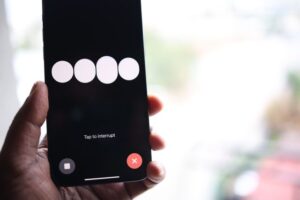
2. Amazon Alexa
Alexa is another powerful assistant.
It can help you:
- Play music.
- Control smart devices.
- Check weather updates.
- Create shopping lists.
- Set alarms.
- Answer general questions.
Alexa works especially well if you already own Amazon Echo devices.
3. Samsung Bixby
Samsung users can also use Bixby.
It offers:
- Voice commands.
- Phone settings control.
- Camera shortcuts.
- Smart routines.
- Device automation.
It is mainly designed for Samsung smartphones.
4. Microsoft Copilot
Microsoft Copilot is becoming increasingly popular because it combines AI with voice features.
It helps users:
- Get information quickly.
- Generate ideas.
- Summarize text.
- Answer questions.
- Improve productivity.
How to Set Up Google Assistant on Android
If you want an experience similar to Siri, Google Assistant is the best choice.
Follow these simple steps.
Step 1
Open the Google app on your Android phone.
Step 2
Tap your profile picture.
Step 3
Open Settings.
Step 4
Select Google Assistant.
Step 5
Follow the setup instructions.
Step 6
Enable Hey Google voice activation.
Now you can simply say:
“Hey Google”
and start giving voice commands.
Things You Can Do with Google Assistant
Once setup is complete, you can ask Google Assistant to perform many tasks.
Examples include:
- Call Mom.
- Open YouTube.
- Play relaxing music.
- Set an alarm for 7 AM.
- Tell me today’s weather.
- Navigate to my office.
- What’s the latest news?
- Translate English into Urdu.
- Turn on Bluetooth.
- Increase screen brightness.
These commands make everyday tasks much faster.
Benefits of Using a Voice Assistant
A voice assistant saves both time and effort.
Some major benefits include:
Hands-Free Operation
You can control your phone without touching it.
Faster Searching
Instead of typing, simply ask your question.
Better Productivity
Create reminders, alarms, notes, and calendar events quickly.
Smart Home Control
Many assistants can control compatible smart lights, TVs, speakers, and other devices.
Easy Navigation
Open Google Maps and receive driving directions using voice commands.
Tips for Better Voice Recognition
To improve accuracy, keep these tips in mind.
- Speak clearly.
- Reduce background noise.
- Keep your microphone clean.
- Update your apps regularly.
- Use a stable internet connection when required.
These small changes can greatly improve voice recognition.

Is It Safe to Download “Siri for Android” Apps?
Many websites offer APK files claiming to install Siri on Android.
Before downloading any app, remember these points:
- Apple has never released Siri for Android.
- Many unofficial apps may not provide the promised features.
- Unknown APK files can pose security and privacy risks.
- Always download apps from trusted sources whenever possible.
Being careful helps protect your personal data and your device.
Frequently Asked Questions
Can I install the official Siri on Android?
No. Apple has not released an official Siri app for Android devices.
Which voice assistant is closest to Siri?
Google Assistant is generally considered the closest alternative because of its speed, accuracy, and wide range of features.
Does Google Assistant work offline?
Some basic commands may work offline, but many features require an internet connection.
Is Google Assistant free?
Yes. Google Assistant is available free of charge on supported Android devices.
Which assistant is best for Samsung phones?
Samsung users can choose either Google Assistant or Samsung Bixby, depending on their preferences.
Final Thoughts
Although the official Apple Siri assistant is not available for Android, Android users still have several excellent alternatives. Google Assistant, Amazon Alexa, Samsung Bixby, and Microsoft Copilot provide powerful voice control and can handle everyday tasks with ease.
If you want an experience similar to Siri, Google Assistant is the best option for most Android users. It is easy to set up, free to use, and works smoothly on a wide range of Android smartphones.
Instead of searching for unofficial “Siri for Android” apps, choose a trusted voice assistant that offers reliable performance, regular updates, and strong privacy features. This approach gives you a better and safer experience while getting the convenience of hands-free voice control.