 by
by How to Track Live Location on Android and iPhone (Complete Guide)
Have you ever wanted to know where your family member or friend is while they are traveling? Live location sharing makes this possible in a simple and safe way. Today, almost every smartphone allows users to share their real-time location with trusted people. This feature is useful during travel, family outings, emergencies, or when meeting someone in a busy place.
In this guide, you will learn how to track live location on Android and iPhone, which apps you can use, and how to protect your privacy while using this feature.
What Is Live Location?
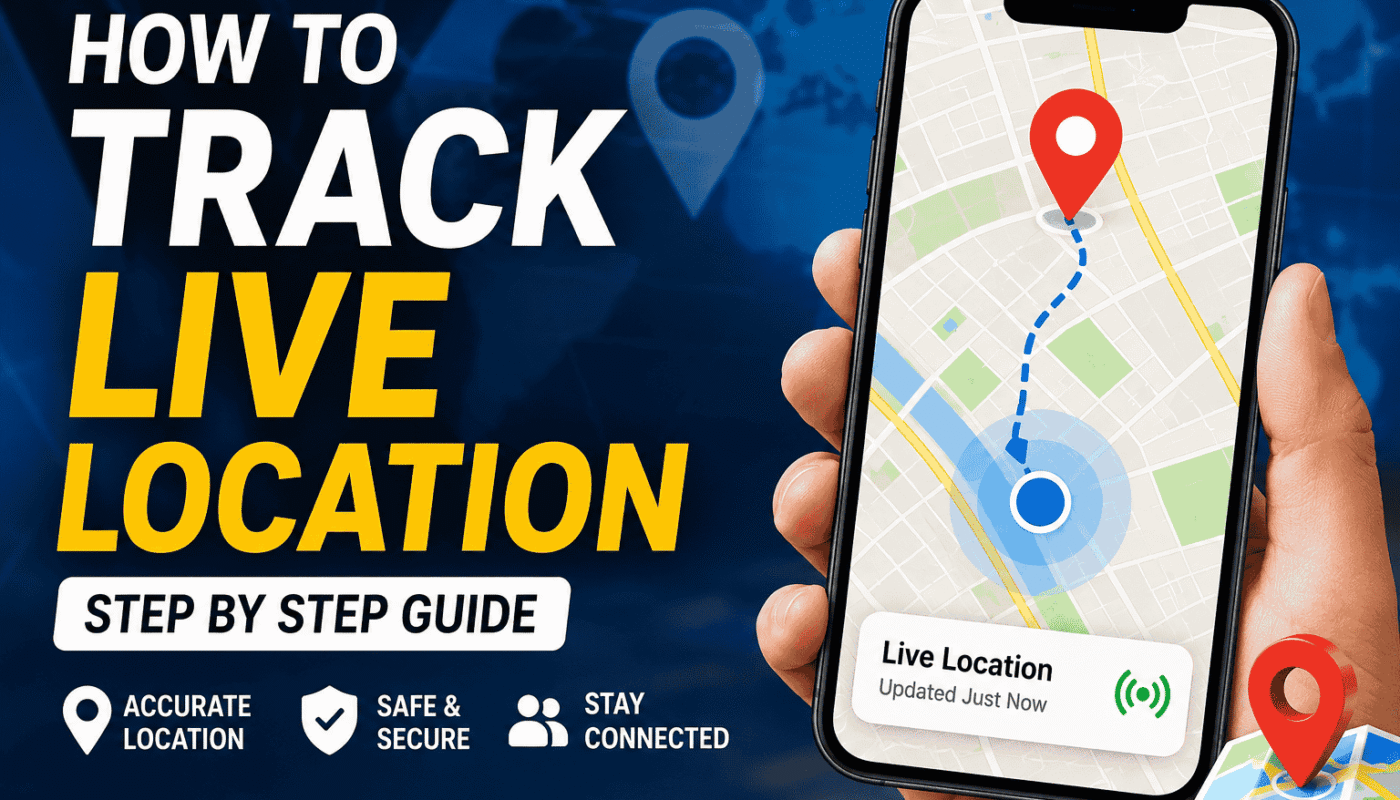
Live location is a feature that shares your current location in real time. Instead of sending a single location pin, it updates continuously as you move. The person you choose can see your latest location until the sharing time ends or you stop sharing it.
This feature works through GPS, mobile data, or Wi-Fi. Most smartphones already support live location without installing extra apps.
Why Do People Use Live Location?
There are many reasons why people share their live location.
- Meet friends without getting lost.
- Keep family members informed while traveling.
- Help parents know where their children are.
- Stay safe during late-night travel.
- Share your route during emergencies.
- Find someone in crowded places like malls or parks.
Live location is designed for convenience and safety. It should always be shared with people you trust.
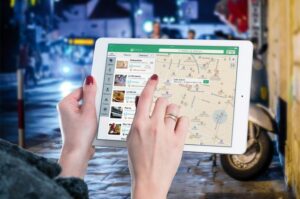
How to Track Live Location Using Google Maps
Google Maps is one of the easiest ways to share and track a live location.
Step 1
Open Google Maps on your Android phone or iPhone.
Step 2
Sign in with your Google account if you are not already signed in.
Step 3
Tap your profile picture in the top-right corner.
Step 4
Select Location Sharing.
Step 5
Tap Share Location.
Step 6
Choose how long you want to share your location.
Step 7
Select the contact you want to share with, then tap Send.
The selected person can now see your live location until the sharing period ends.
How to Track Live Location Using WhatsApp
WhatsApp also offers a built-in Live Location feature.
Follow these steps.
- Open WhatsApp.
- Open the chat with the person.
- Tap the attachment icon.
- Select Location.
- Tap Share Live Location.
- Choose the sharing duration.
- Tap Send.
The other person will see your live location directly inside the chat.
How to Track Live Location on iPhone
Apple users can use the Find My app.
Steps
- Open the Find My app.
- Tap People.
- Tap Start Sharing Location.
- Choose the contact.
- Select how long you want to share.
- Tap Send.
The selected person can now see your live location using the Find My app.
Best Apps for Live Location Sharing
Several trusted apps provide live location features.
Google Maps
Easy to use, free, and available on Android and iPhone.
Perfect for sharing live location during chats.
Apple Find My
Ideal for iPhone users and family members using Apple devices.
Life360
A popular family safety app with location history, driving reports, and emergency alerts.
Can You Track Someone Without Permission?
No. Trusted apps like Google Maps, WhatsApp, and Apple Find My require the person to share their location first. They control when sharing starts and when it stops.
Trying to track someone without their knowledge may violate privacy laws and the app’s terms of service. Always get permission before tracking someone’s live location.
Tips for Accurate Live Location
If your location is not updating correctly, try these tips.
- Turn on GPS.
- Enable Location Services.
- Connect to mobile data or Wi-Fi.
- Keep Google Maps or the chosen app updated.
- Allow the app to access your location.
- Disable Battery Saver if it blocks GPS.
These simple steps usually improve location accuracy.
Privacy and Safety Tips
Live location is helpful, but privacy is equally important.
Always follow these safety tips.
- Share your location only with trusted people.
- Stop sharing after reaching your destination.
- Review which apps have location permission.
- Avoid sharing your location publicly.
- Keep your phone protected with a password or fingerprint lock.
Using these practices helps keep your personal information safe.
Common Problems and Solutions
Live Location Is Not Updating
Check your internet connection and make sure GPS is enabled.
GPS Is Showing the Wrong Location
Move to an open area where GPS signals are stronger.
Contact: Cannot See Your Location
Confirm that location sharing is still active and that both devices are connected to the internet.
App Keeps Asking for Permission
Open your phone settings and allow the app to access your location while using it or all the time, depending on your preference.
Benefits of Live Location Sharing
Live location offers many practical benefits.
- Better safety during travel.
- Easier family coordination.
- Faster meetup planning.
- Useful during emergencies.
- Helps parents monitor children’s travel.
- Saves time by reducing confusion about directions.
Frequently Asked Questions
Does Live Location Use the Internet?
Yes. Most live location services need an internet connection along with GPS.
Does Live Location Drain Battery?
Yes, continuous GPS usage can consume more battery than normal. Carrying a charger or power bank during long trips is a good idea.
Is Google Maps Live Location Free?
Yes. Google Maps provides live location sharing at no extra cost.
Can I Stop Sharing Anytime?
Yes. You can stop sharing your location instantly whenever you want.
Conclusion
Learning how to track live location is useful for everyday life. Whether you are meeting friends, traveling with family, or ensuring someone’s safety, live location sharing makes communication easier. Apps like Google Maps, WhatsApp, Apple Find My, and Life360 provide simple and secure ways to share your real-time location.
Remember that live location should always be used responsibly. Only share your location with people you trust, protect your privacy, and stop sharing when it is no longer needed. By following the steps in this guide, you can confidently use live location features on both Android and iPhone while staying safe and connected.